-
Shop
- Advanced Technologies
- Bathroom
- Best-Sellers
- Car Accessories
- Dating & Social Skills
- Digital Resources
- Education & Learning
- Family & Parenting
- Furniture
- Gadgets
- Health & Beauty
- Health & Wellness
- Home & Garden
- Home Electronics
- Jewelry
- Kids & Babies
- Kitchen
- Lighting
- Patio, Lawn & Garden
- Personal Growth
- Pet Care
- Pet Supplies
- Pets
- Sport & Outdoors
- Travel
- Wealth
Best Office Chairs for Back Pain in 2026: The Complete Buying Guide
If your lower back aches by mid-afternoon, your chair is often the culprit. The average desk worker sits for more than eight hours a day, and the wrong chair quietly compounds pressure on your spine hour after hour. The good news: the right ergonomic office chair can relieve that strain, improve your posture, and keep you comfortable through the longest workday. This 2026 guide breaks down exactly what to look for so you can choose a chair that actually supports your back—without overspending.
Why Your Office Chair Matters More Than You Think
Sitting isn’t as passive as it feels. When you slouch or perch on a poorly designed seat, your spine loses its natural curve, your discs compress unevenly, and the muscles around your lower back overwork to keep you upright. Over weeks and months, that leads to stiffness, chronic lower-back pain, and even neck and shoulder tension.
A well-designed ergonomic chair does the opposite. It supports the natural S-curve of your spine, distributes your weight evenly, and encourages “active sitting”—small, healthy movements that keep your muscles engaged instead of locked. For anyone who works at a desk, a supportive chair isn’t a luxury; it’s the single most impactful upgrade you can make for your daily comfort and long-term health.
What to Look For in an Office Chair for Back Pain
Not every chair marketed as “ergonomic” earns the label. Focus on these features—they’re the ones that genuinely protect your back.
1. Adjustable Lumbar Support
This is the most important feature for back pain. Your chair should support the inward curve of your lower back, and ideally let you adjust the height and depth of that support to match your body. Without it, you’ll naturally slump forward and undo everything else.
2. Seat Height and Depth Adjustment
Your feet should rest flat on the floor with your knees at roughly a 90-degree angle. Adjustable seat height makes this possible for any desk. Seat depth matters too—there should be about two to three fingers of space between the edge of the seat and the back of your knees.
3. A Breathable, Supportive Backrest
Mesh backrests are popular for good reason: they conform to your spine, keep air flowing so you stay cool, and provide firm-yet-flexible support. A backrest that reclines and locks at different angles lets you shift positions throughout the day, reducing static pressure on your back.
4. Adjustable Armrests
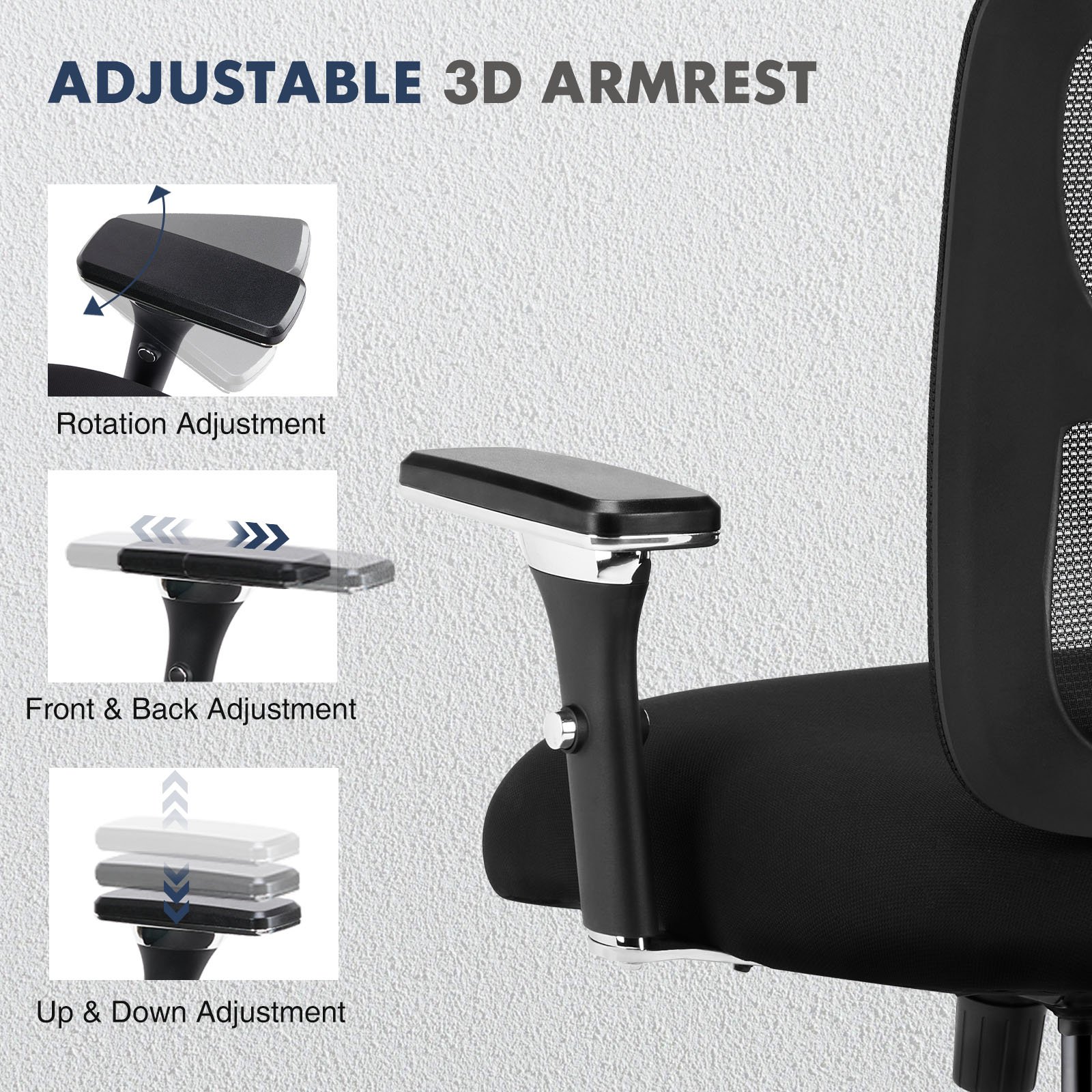
Armrests that adjust in height (and ideally width and angle—often called 3D or 4D armrests) take the load off your shoulders and neck. When your forearms are properly supported, your upper back relaxes and your whole posture improves.
5. A Stable, Mobile Base
A five-point base with smooth-rolling casters keeps you steady and lets you move without twisting or straining to reach things around your desk.
How Much Should You Spend?
You don’t need a four-figure designer chair to protect your back. The sweet spot for most people is a well-built ergonomic mesh chair with adjustable lumbar support, seat height, and armrests. Prioritize adjustability over brand names or flashy extras—a chair that fits your body will always beat a more expensive one that doesn’t. Spending a bit more on genuine adjustability pays for itself in comfort every single day you sit down to work.
Our Pick: Ergonomic Mesh Office Chairs
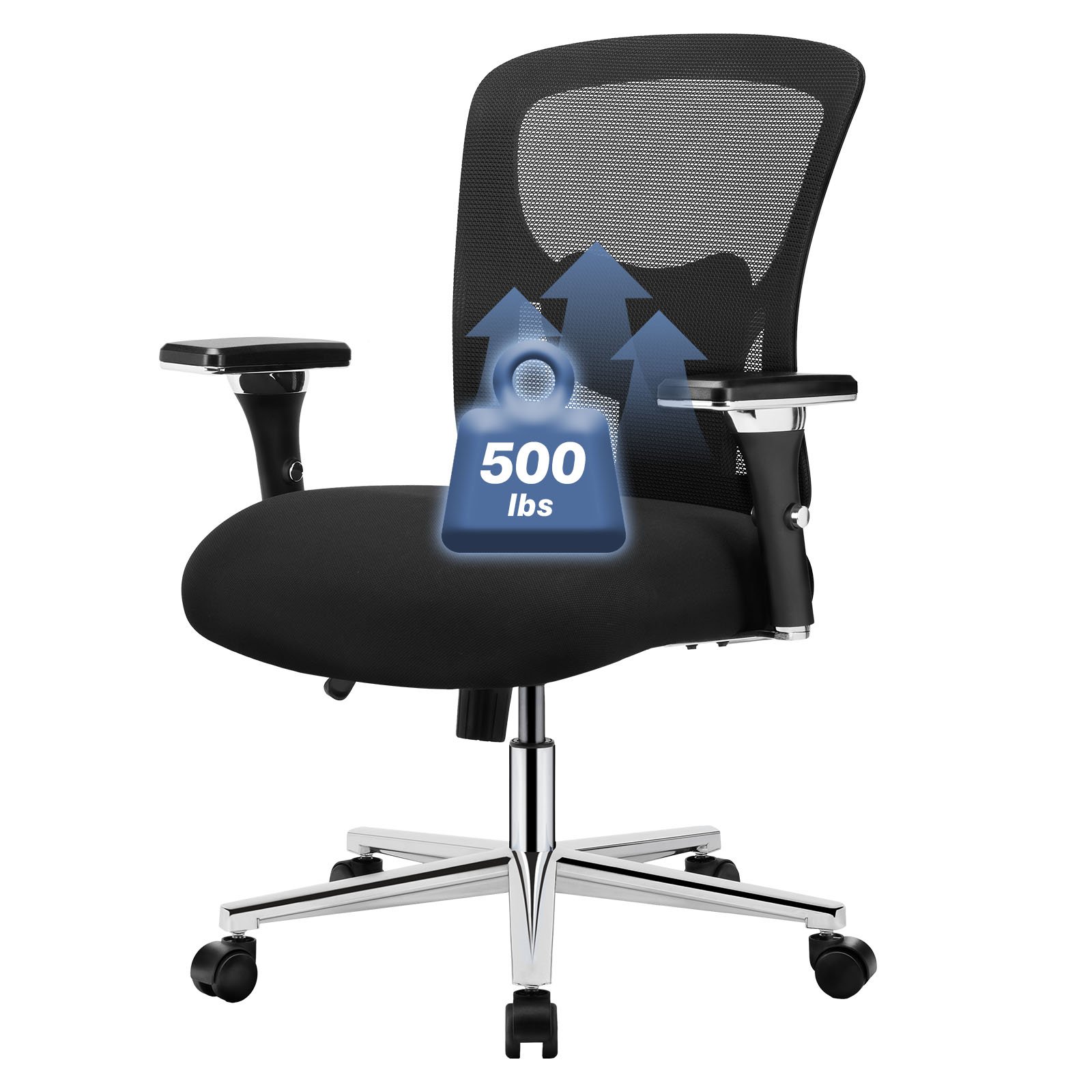
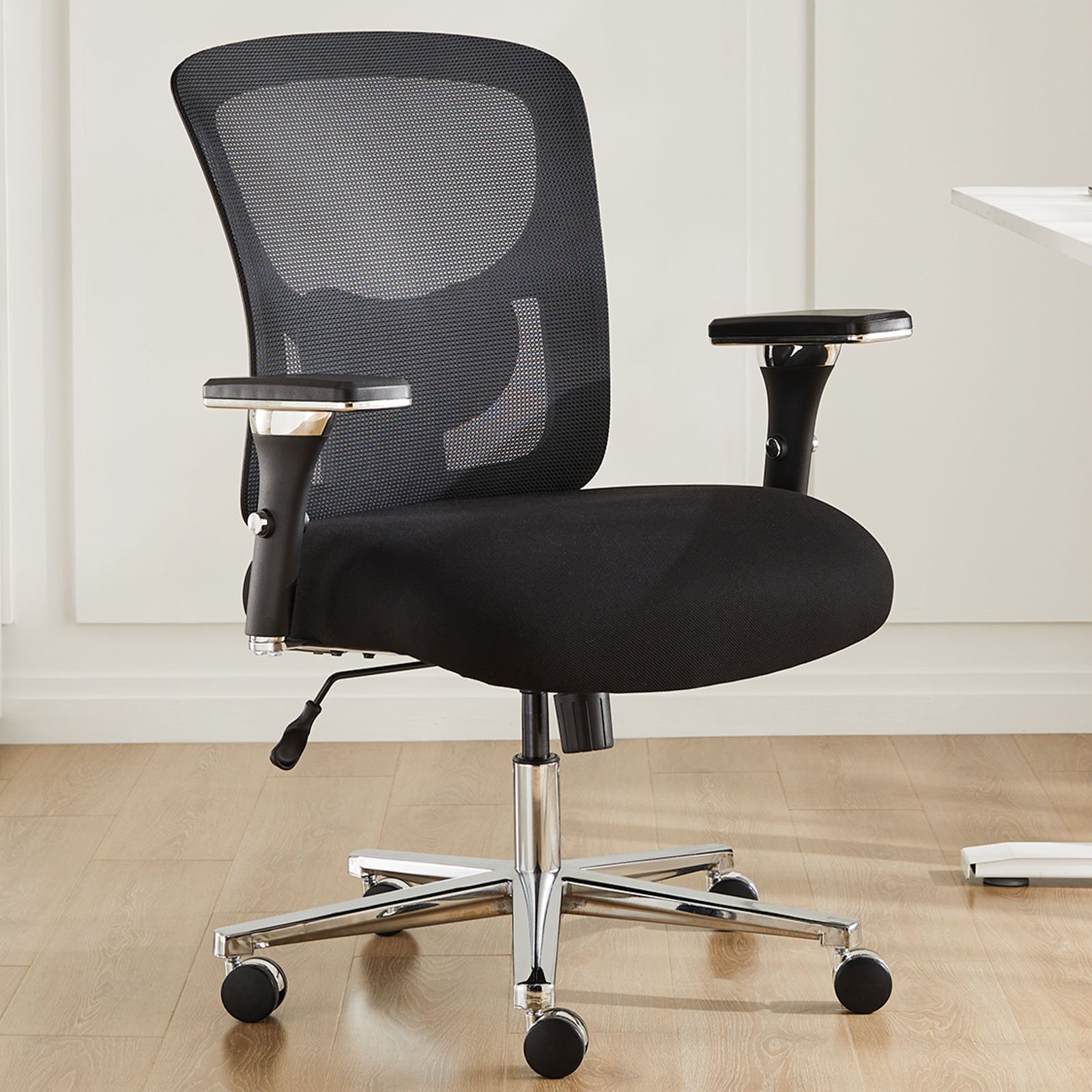
For most people fighting back pain on a realistic budget, a quality ergonomic mesh office chair with adjustable height and 3D armrests hits every point above: breathable back support that follows your spine, a height range that works with any desk, and armrests that ease shoulder and neck tension. It’s the practical, proven choice—supportive where it counts, without the premium price tag.
You can browse our current selection on the Jogoka Office Furniture collection, or see our featured Ergonomic Mesh Backrest Office Chair with adjustable height and 3D armrests.
Simple Habits to Support Your Back (Even in a Great Chair)
Even the best chair works better alongside good habits:
- Sit all the way back. Use the lumbar support—don’t perch on the front edge.
- Keep screens at eye level so you’re not craning your neck forward.
- Stand and stretch every 30–45 minutes. Movement is your spine’s best friend.
- Keep frequently used items within arm’s reach to avoid twisting.
Frequently Asked Questions
What kind of office chair is best for lower back pain?
An ergonomic chair with adjustable lumbar support, seat height, and armrests is best. The adjustable lumbar support is the key feature—it maintains your spine’s natural curve and prevents slouching.
Is a mesh or cushioned chair better for back pain?
Both can work, but mesh chairs offer excellent support and breathability, conforming to your back while keeping you cool. What matters most is adjustability and firm lumbar support, not the material alone.
How long should you sit in an office chair each day?
Even in a great chair, aim to stand, stretch, or walk for a couple of minutes every 30–45 minutes. Movement prevents the stiffness that prolonged static sitting causes.
The Bottom Line
Back pain from sitting is common—but it’s largely preventable with the right chair. Prioritize adjustable lumbar support, a proper seat height, a breathable supportive backrest, and adjustable armrests, and you’ll feel the difference within days. Invest in your back today, and every workday gets more comfortable.
Ready to upgrade? Explore ergonomic office chairs built for all-day comfort in the Jogoka Office Furniture collection.
Related Buying Guides
Was this article helpful?
Yes
No